Additional Settings
Additional Settings
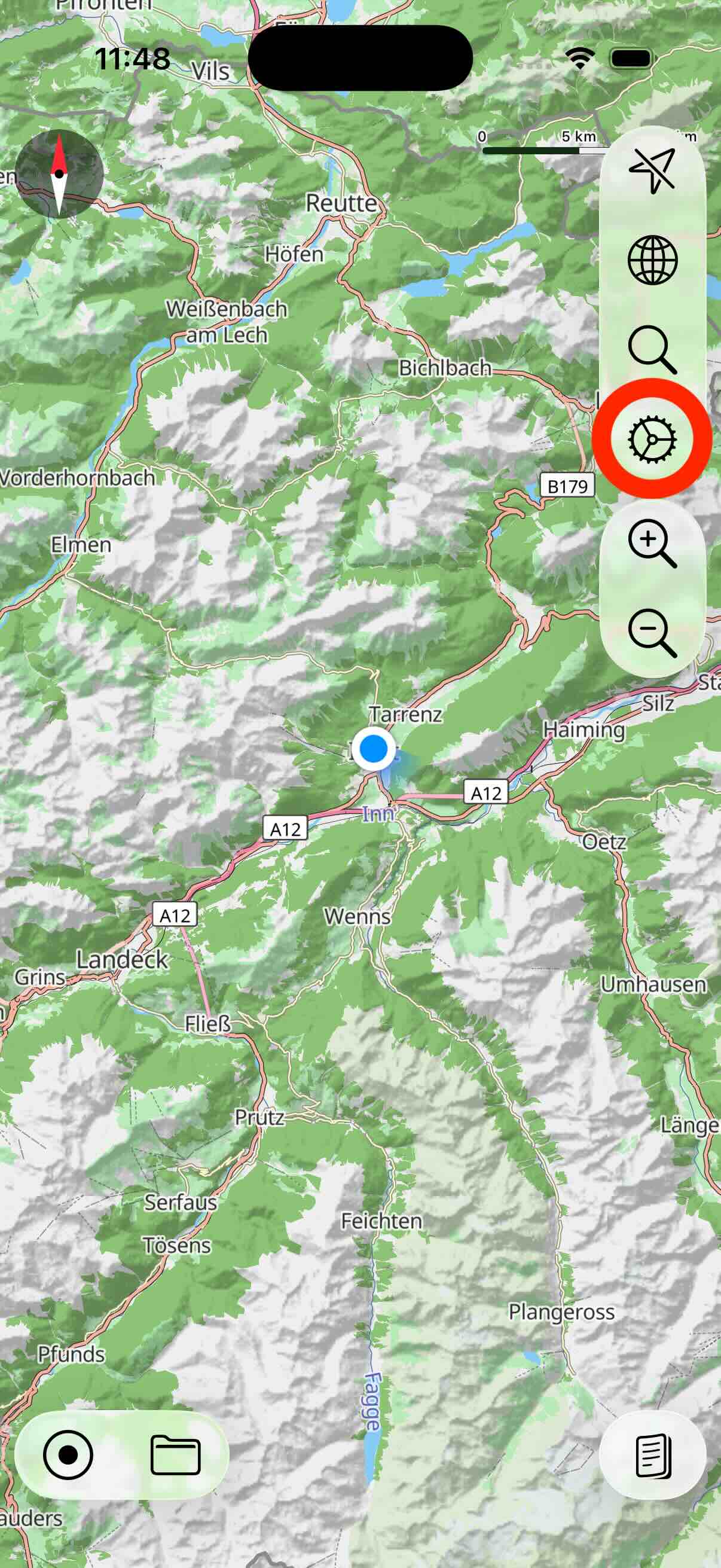
In addition to the settings already mentioned, the following features can be configured. At the bottom right, tap the gear button to open the settings.
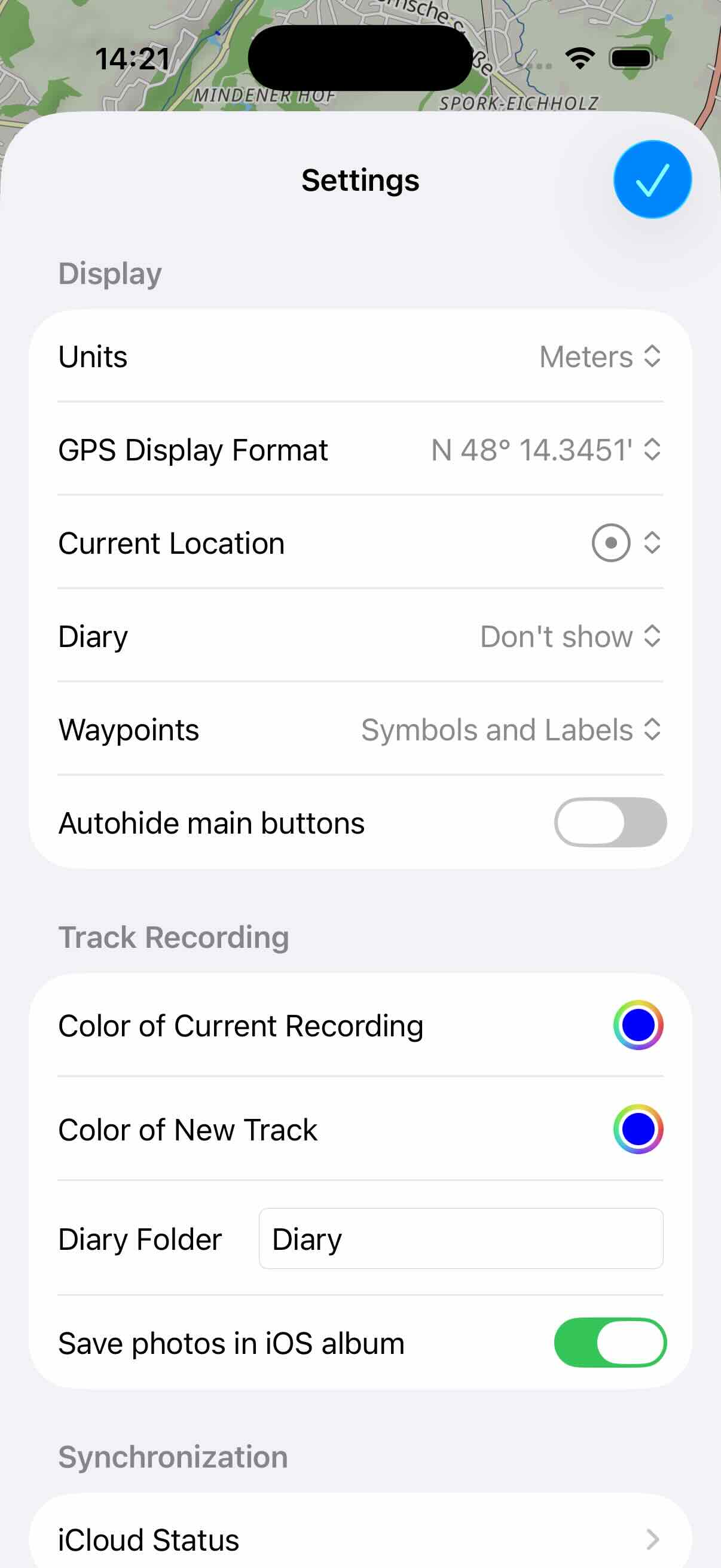
Display
- Units: You can specify whether the metric system or miles are used to represent lengths and speeds.
- GPS display format: Here you can specify in which format GPS coordinates should be displayed.
- Current Location: Specify, how the current location is visualized on the map.
- Diary: Here you can specify how the current diary track should be displayed on the map. The alternatives are: Track, using Flags, or Don’t show.
- Waypoints: Specify how waypoints of tracks are visualized on the map.
- Autohide main buttons: When this option is enabled, the buttons in the upper left corner of the main window will automatically hide after a few seconds. This is to provide more space on the map.
Track Recording
- Color of Current Recording: This color is used for the current recording on the map.
- Color of New Track: The track takes on this color after recording.
- Diary Folder: Here you can specify the name of the folder in which the diary tracks are to be stored. If the folder does not exist yet, it will be created automatically.
- Save photos in iOS album: Photos taken with myTracks are also saved in the iOS album.